
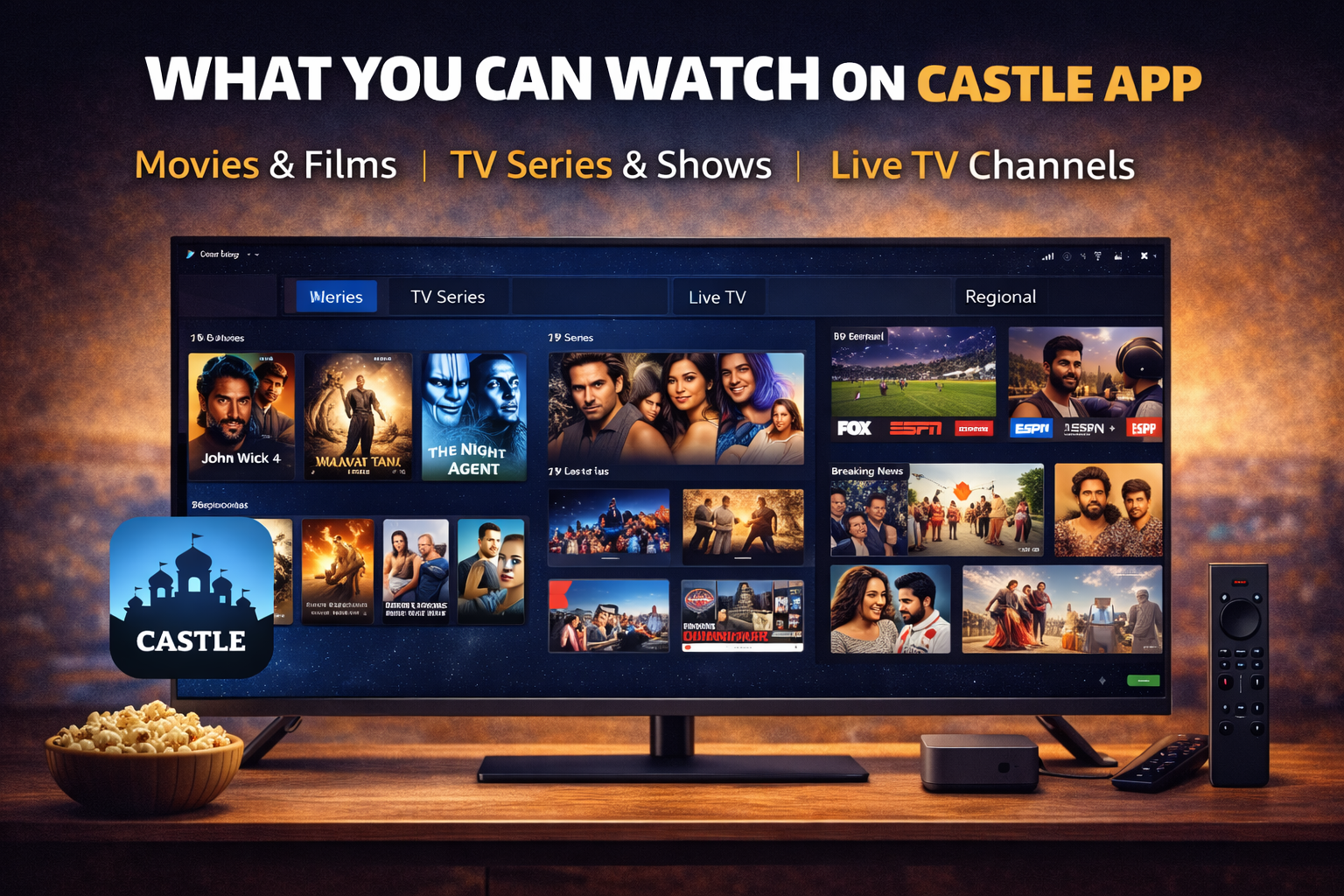
Castle app for TV lets you watch movies, TV shows, and live channels on a big screen. It gives you a better viewing experience compared to mobile devices.
The latest version v2.1.0 offers smoother streaming, improved playback, and better performance. You can install the app in seconds on Android-based TVs and streaming devices.
With Castle APK, you can enjoy free streaming without signing up. It works well with TV remotes and supports HD quality for a better experience.
TV Devices Castle App Supports
Android Smart TVs
Castle app works on Android Smart TVs. These TVs allow APK installation, which makes it easy to install and use the app.
You can enjoy movies and live channels directly on your TV screen without needing extra devices.
Fire TV Stick and Fire TV Devices
Castle APK also works on Fire TV Stick and Fire TV devices. You can install it using the Downloader app. It runs smoothly and supports remote navigation, making it easy to browse and watch content.
Android TV Boxes
Android TV boxes are fully supported. You can install the APK and connect it to your TV. This is useful for users who do not have a built-in Android TV system.
Other Compatible Android-Based Devices
Any device that runs Android TV OS can support Castle APK. This includes streaming sticks and media players. As long as the device allows APK installation, the app will work.
Disclaimer: Castle APK only works on Android-based TV devices. Samsung Smart TVs with Tizen OS and LG Smart TVs with webOS cannot install APK files.
How to Download Castle App on TV
Download APK on Your TV Device
You can download the Castle APK file directly on your TV. Use a browser or Downloader app to search for Castle APK latest version v2.1.0. Make sure you download the file from the official website to avoid issues.
Install Using File Manager or Downloader
After downloading:
- Open the Downloader or File Manager app
- Locate the APK file
- Click on the file
- Select install
- Wait for installation to complete
You may need to enable unknown sources before installing.
Launch and Start Watching
Once installed:
- Open the app from your apps list
- Browse content categories
- Start streaming
You can now watch movies, shows, and live TV on your TV screen.
Benefits of Using Castle App on TV
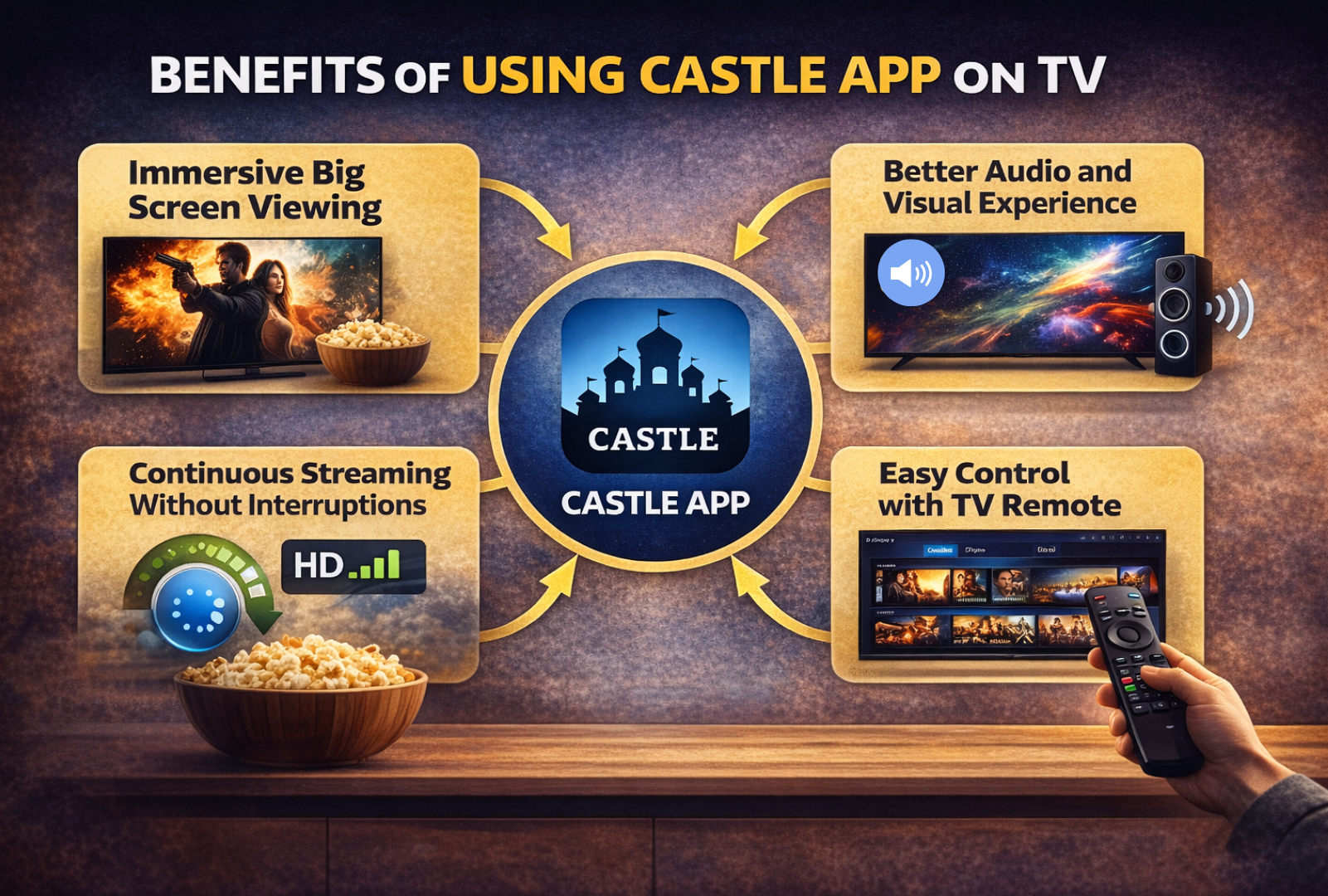
Immersive Big Screen Viewing
Watching content on TV gives a better experience. The large screen makes visuals more enjoyable. You can watch movies and shows with more detail and clarity.
Better Audio and Visual Experience
TV devices offer better sound and display quality. Castle APK supports HD streaming, which looks great on big screens. This improves overall viewing quality.
Easy Control with TV Remote
Castle app works well with TV remotes. You can navigate easily without needing a mouse or keyboard. This makes it simple to browse and play content.
Continuous Streaming Without Interruptions
The app is optimized for smooth playback. Version v2.1.0 improves streaming performance and reduces buffering. With a stable connection, you can watch content without interruptions.
What You Can Watch on Castle App
Castle app offers a wide range of content for all types of users. You can watch movies, TV shows, and live channels in one place without switching apps. The content is updated often, so you always have fresh options to explore.
Latest Movies and Popular Films
You can watch the latest movies as well as popular films from past years. The app regularly adds new titles, so you do not miss trending content. It also includes different genres like action, drama, comedy, and thriller. This variety helps users find something based on their mood. Whether you want to watch a new release or a classic film, Castle APK keeps its movie library updated and easy to browse.
TV Series and Web Shows
Castle APK includes a large collection of TV series and web shows. You can watch full seasons without any limits. Episodes are arranged in order, which makes it easy to follow the story. This is useful for users who like binge watching. The app also updates new episodes regularly, so you can keep up with ongoing shows without delay.
Live TV Channels and Events
The app also supports live TV streaming. You can watch news, sports, and entertainment channels in real time. This feature is useful for users who want live updates and events. You can also stream matches and special programs without needing cable or a subscription.
Regional and International Content
Castle app offers content from different countries and regions. You can watch shows and movies in multiple languages. This makes the app suitable for a wide audience. It allows users to explore global entertainment without any extra apps.
Requirements to Run Castle App on TV
Android Based Smart TV or Streaming Device
You need an Android-based TV or streaming device. This is required because APK files only work on Android systems.
Minimum Storage Space Available
Make sure your device has enough storage space. The app size is around 54.2 MB, so it does not need much space.
Stable Internet Connection for Streaming
A stable internet connection is important for smooth playback.
Recommended speeds:
- 5 Mbps for HD
- 10 Mbps for Full HD
Faster internet gives better streaming quality.
Conclusion
Castle app for TV is a great option for users who want free streaming on a big screen. It supports Android TVs, Firestick, and other Android-based devices. With version v2.1.0, streaming is smoother and more reliable. The app is easy to install and use. If you want to watch movies, TV shows, and live channels on your TV without paying, Castle APK is a strong choice.
FAQs
Can I install Castle App on any Smart TV
No, you cannot install it on all smart TVs. It only works on Android-based TVs. Samsung and LG TVs do not support APK installation.
Do I need to pay to use Castle App on TV
No, the app is free to use. You can stream content without any subscription.
Is installation difficult on TV
No, installation is simple. You just need to download the APK and install it using Downloader or File Manager.
What internet speed is required for smooth playback
You need at least 5 Mbps for HD streaming. For better quality, 10 Mbps or higher is recommended.